


A Professional Guide: The Step-by-Step Process for Turning On Heat in a Smart Thermostat
Leave a message
For HVAC installers, property managers, and facility maintenance professionals, mastering the operation of smart thermostats is critical to ensuring optimal heating performance, energy efficiency, and end-user satisfaction. Hysen's advanced smart thermostats are engineered to streamline heating control, but following the correct startup process is key to unlocking their full potential. Below is a comprehensive, industry-aligned guide to activating the heating function, tailored to both technical practitioners and the clients they serve.
Pre-Startup Checks: Lay the Foundation for Safe Operation
Before initiating the heating cycle, a thorough pre-check is non-negotiable to prevent system malfunctions and ensure compliance with HVAC safety standards.
System Compatibility VerificationConfirm that the Hysen thermostat is correctly wired to the heating system (e.g., boiler, heat pump, radiant floor heating). Cross-reference the wiring diagram with the device manual: for conventional systems, verify connections for R (power), W (heating call), and C (common wire) to avoid voltage drops or miscommunication. For heat pump setups, ensure the O/B terminal is configured to match the system's reversing valve logic.
Power and Connection ValidationEnsure the thermostat receives stable power-either via hardwiring or fully charged backup batteries. For smart models, confirm a stable Wi-Fi connection to enable remote monitoring and control, a feature critical for property managers overseeing multi-unit buildings.
Filter and Airflow InspectionAdvise end-users to check and replace dirty air filters before startup. Clogged filters restrict airflow, leading to inefficient heating, increased energy consumption, and potential overheating of the furnace or boiler. This step also extends the lifespan of HVAC components-a key selling point for clients prioritizing long-term cost savings.
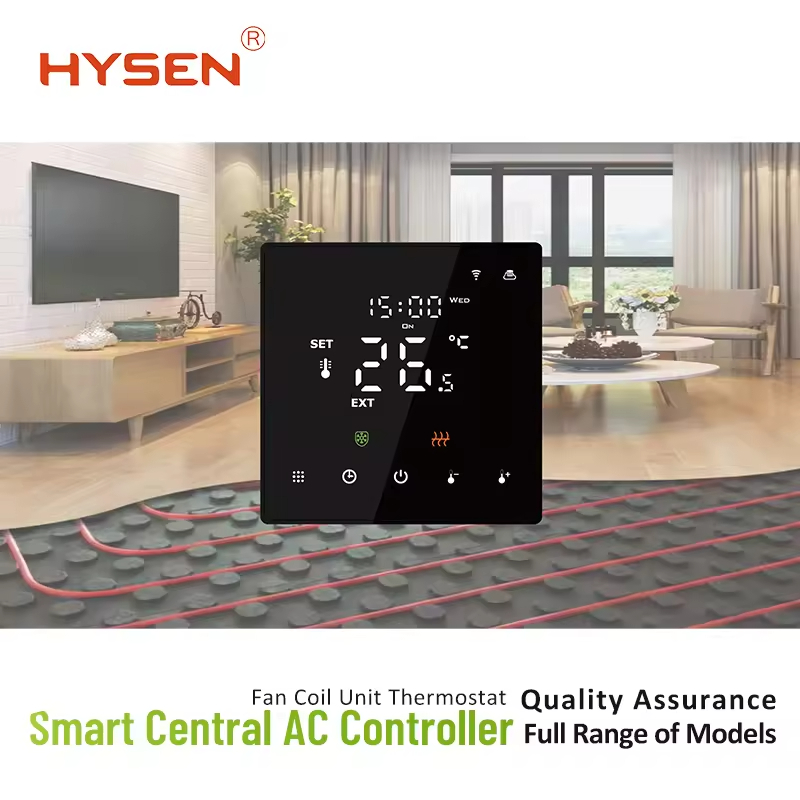
Step-by-Step Process to Activate Heating Mode
Hysen thermostats are designed with user-friendly interfaces while retaining professional-grade customization options. The following steps apply to both touchscreen and app-controlled models:
1. Access the Main Control Interface
Local Operation: Wake the thermostat's display by tapping the screen or pressing the power button.
Remote Operation: Log into the Hysen Smart App (compatible with iOS and Android) using authorized credentials-a convenience for installers troubleshooting systems or property managers adjusting settings for tenants.
2. Select Heating Mode
On the thermostat's home screen, locate the Mode button or icon (typically labeled with symbols for Heat, Cool, Auto, and Off).
Toggle to Heat mode. For professional installations, note that Hysen thermostats support dual-mode heating (e.g., combining boiler heat with radiant panels) and allow mode locking to prevent unauthorized adjustments-ideal for commercial or rental properties.
3. Set the Desired Temperature
Input the target temperature using the touchscreen keypad or app slider. For optimal energy efficiency, industry standards recommend setting the temperature to 20–22°C (68–72°F) for residential spaces and 19–21°C (66–70°F) for commercial areas.
Leverage Hysen's programmable scheduling feature: program temperature setbacks during unoccupied hours (e.g., 16°C/61°F at night for homes, 15°C/59°F on weekends for offices) to reduce energy costs by up to 20%-a data-backed benefit to highlight for clients.
4. Confirm System Activation and Monitor Performance
After setting the temperature, the thermostat will send a heating call to the HVAC system. Verify that the furnace or boiler ignites (for gas systems) or the heat pump starts (for electric systems) within 3–5 minutes.
Monitor the supply air temperature at vents: it should be 15–20°C (27–36°F) warmer than the room temperature-an indicator of efficient heat exchange.
For smart models, use the app's energy usage dashboard to track real-time consumption, providing clients with transparent insights into their heating costs.
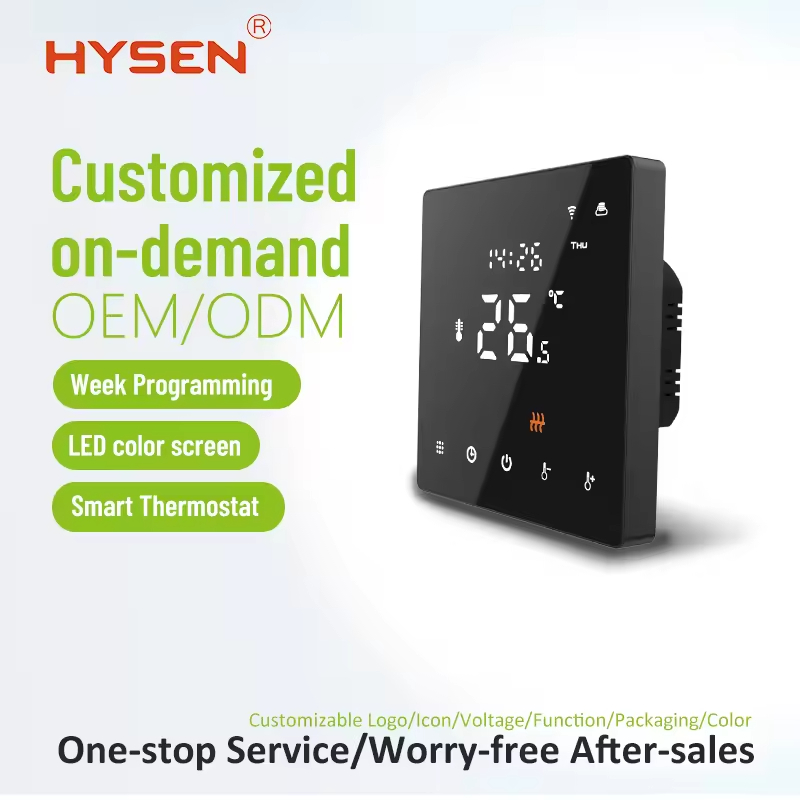
Post-Startup Optimization: Professional Tips for Enhanced Performance
Calibrate Temperature SensorsOver time, thermostat sensors may drift from accurate readings. Use the app's sensor calibration tool (under the "Settings > Advanced" menu) to adjust for environmental factors like direct sunlight or drafts-ensuring precise temperature control.
Enable Adaptive Learning (Smart Models Only)Hysen's adaptive learning algorithm analyzes user behavior and environmental conditions to adjust heating cycles proactively. For example, it will pre-heat the space before occupants arrive, eliminating cold spots without wasting energy. This feature is a standout selling point for tech-savvy clients.
Schedule Regular Maintenance RemindersUse the app to set reminders for filter replacements, system tune-ups, and battery checks. For installers, this creates opportunities for recurring service contracts-boosting customer retention and revenue.
Troubleshooting Common Issues During Heating Startup
Even with proper setup, occasional issues may arise. Here are quick fixes for the most common problems, tailored to HVAC professionals:
No Heating Response: Check wiring connections for loose terminals; ensure the C wire is properly installed to avoid power issues.
Short Cycling (Frequent On/Off Cycles): This may indicate an oversized HVAC system or a dirty flame sensor. Advise clients to schedule a professional inspection.
Wi-Fi Disconnection: Reset the router or reconfigure the thermostat's Wi-Fi settings. Hysen thermostats support 2.4GHz and 5GHz networks, ensuring compatibility with modern home and office setups.
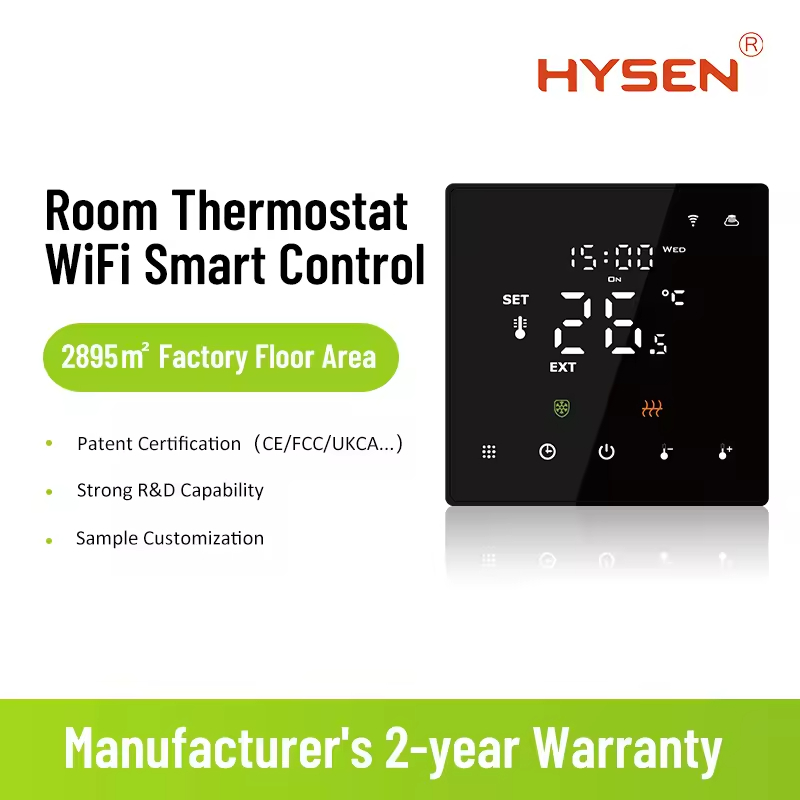
Why Hysen Thermostats Stand Out for Heating Control
For HVAC installers and property managers, choosing the right thermostat is about balancing performance, reliability, and client satisfaction. Hysen thermostats offer:
Wide HVAC Compatibility: Works with 95% of heating systems, eliminating the need for costly adapters.
Professional-Grade Remote Management: Monitor and control multiple thermostats from a single dashboard-ideal for multi-unit buildings.
Energy Efficiency Certifications: ETL and CE certified, with compliance to global energy standards (e.g., ENERGY STAR), making them a trusted choice for eco-conscious clients.
Whether you're an installer training clients, a property manager optimizing building performance, or a homeowner seeking efficient heating, mastering this process ensures your Hysen thermostat delivers consistent, cost-effective warmth. For more technical resources or support, contact the Hysen professional team today.
#HVAC #SmartThermostat #EnergyEfficiency #PropertyManagement


