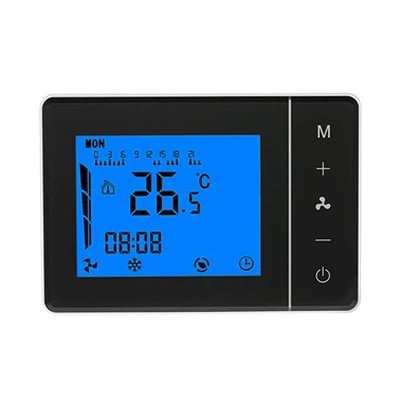
Hysen HY368 Zigbee TRV | Step-by-Step Pairing Guide with Tuya / Smart Life Gateway
Leave a message
1. Install 2×AA alkaline batteries into HY368, finish self-test.
2. Open Smart Life / Tuya App, enter your Zigbee gateway page, select Add sub-device.
3. Long press the setting button on HY368 to activate Zigbee pairing mode, wait for the Zigbee icon flashing.
4. Keep the TRV close to the gateway, wait for auto discovery and adding.
5. When pairing succeeds, the flashing icon stops. Now you can control temperature remotely, set weekly schedules and use voice control.
Key Features
✅ Zigbee 3.0 TRV, ±0.5℃ precise temperature control
✅ Weekly programmable heating schedule
✅ Window open detection, energy saving
✅ Works with Alexa & Google Assistant voice control
✅ Universal M30×1.5 thread, includes adapters for most radiator valves
✅ Powered by 2 AA batteries, low battery reminder in App
If you have pairing failures, check the gateway online status, reduce distance between TRV and hub, and re-enter pairing mode.
#Hysen #HY368 #TRV #ZigbeeThermostat #SmartRadiatorValve #TuyaSmart #SmartHome #HeatingControl