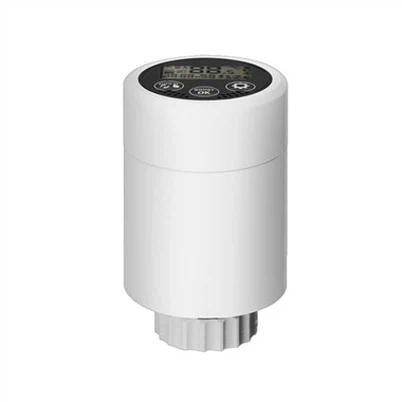
HY08-4 WiFi Connection Simple Guide
Jul 08, 2026
Leave a message
1. Preparation Power on the HY08-4 device. Connect your phone to 2.4GHz WiFi (5G WiFi not supported). Download and open the 【Tuya Smart】APP.
2. Enter Pairing Mode Long press the device reset key for 3–5 seconds until the indicator light flashes quickly. The device is now in WiFi pairing mode.
3. App Connection Steps Log in to Tuya Smart, tap 【+ Add Device】. Select the corresponding device type, enter your 2.4GHz WiFi name and password, then confirm pairing. Wait 30–60 seconds. Solid light means network connection succeeds.
4. Simple Troubleshooting If connection fails, please use 2.4GHz WiFi, double-check the WiFi password, reset the device and try again.